


From long URL to trackable link in seconds
Three simple steps: paste a URL, share the short link, and watch 90-day analytics roll in. No credit card required.
Total setup time: Under 2 minutes
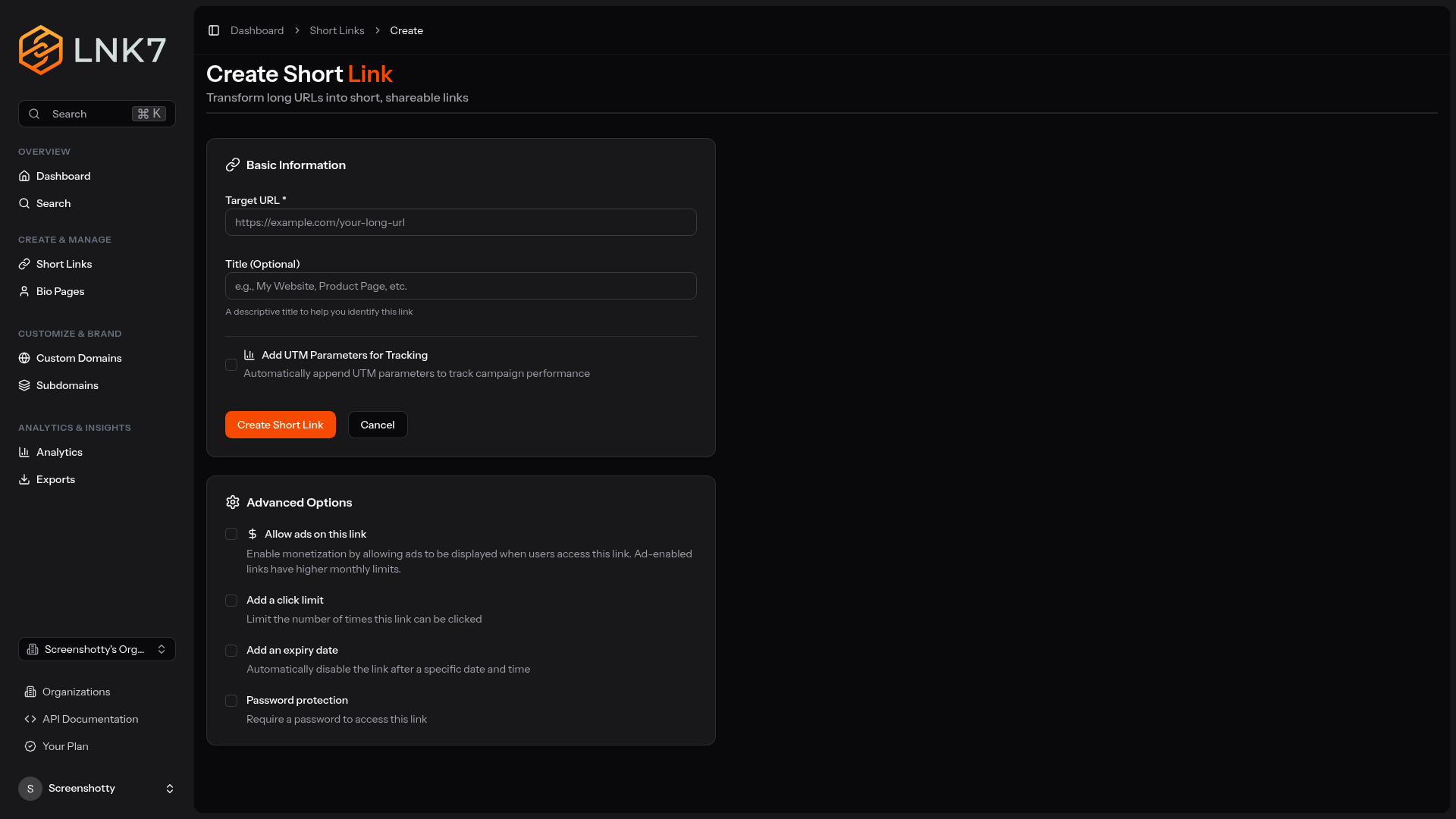
Paste a URL
Drop any long link into the box and press Shorten. You can do it from the homepage without an account, or register (still free) so your links are saved and manageable.
- Works without an account
- Unlimited links, no monthly cap
- Pick your own short code, or let us generate one
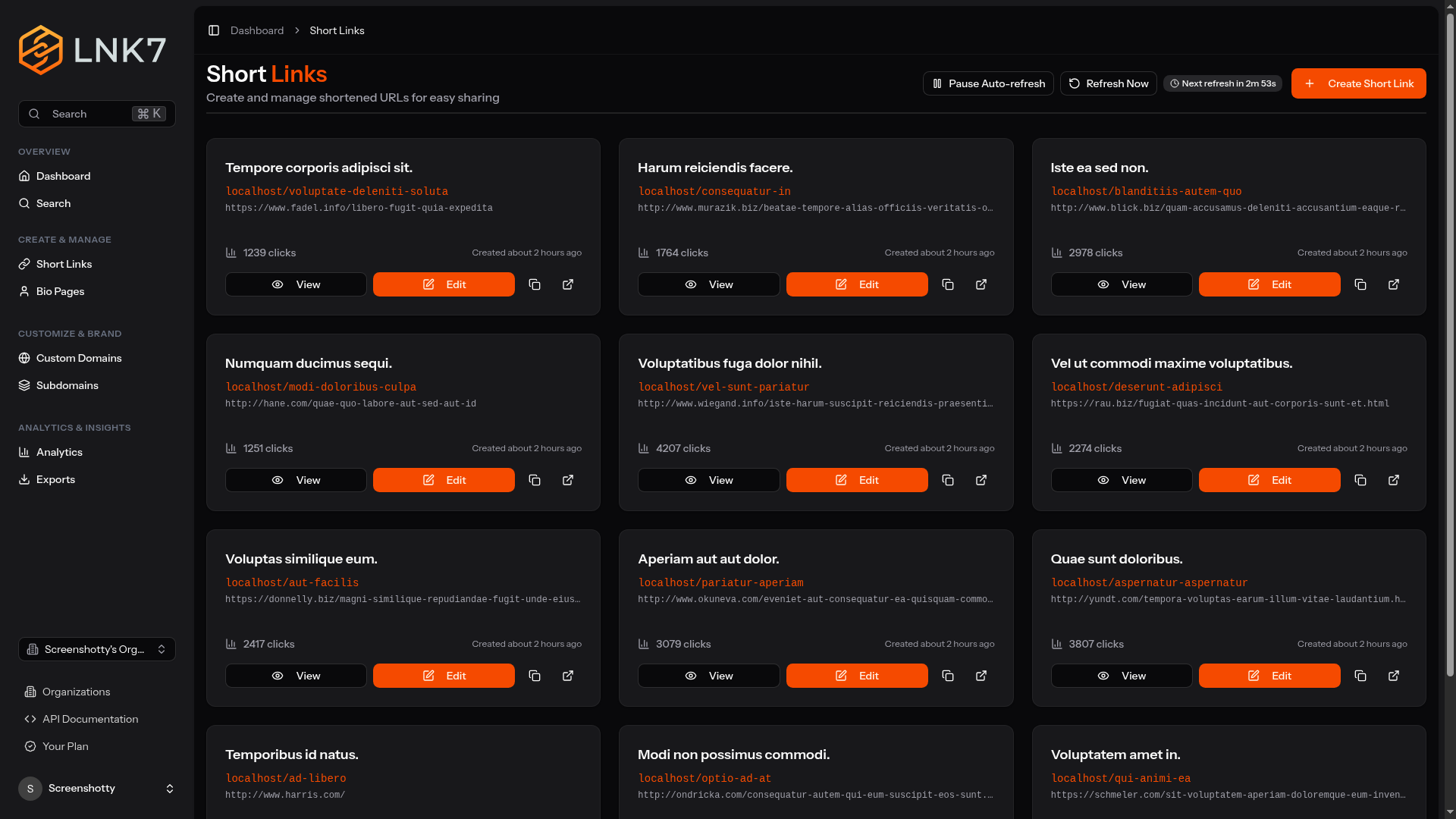
Share the link (or its QR code)
Copy the short URL into a post, an email, or a slide. Every link also comes with a downloadable QR code, so the same link works on a poster or a package.
- A QR code for every link, free
- UTM parameters carried through to your destination
- Edit the destination later without reprinting anything
Watch the analytics roll in
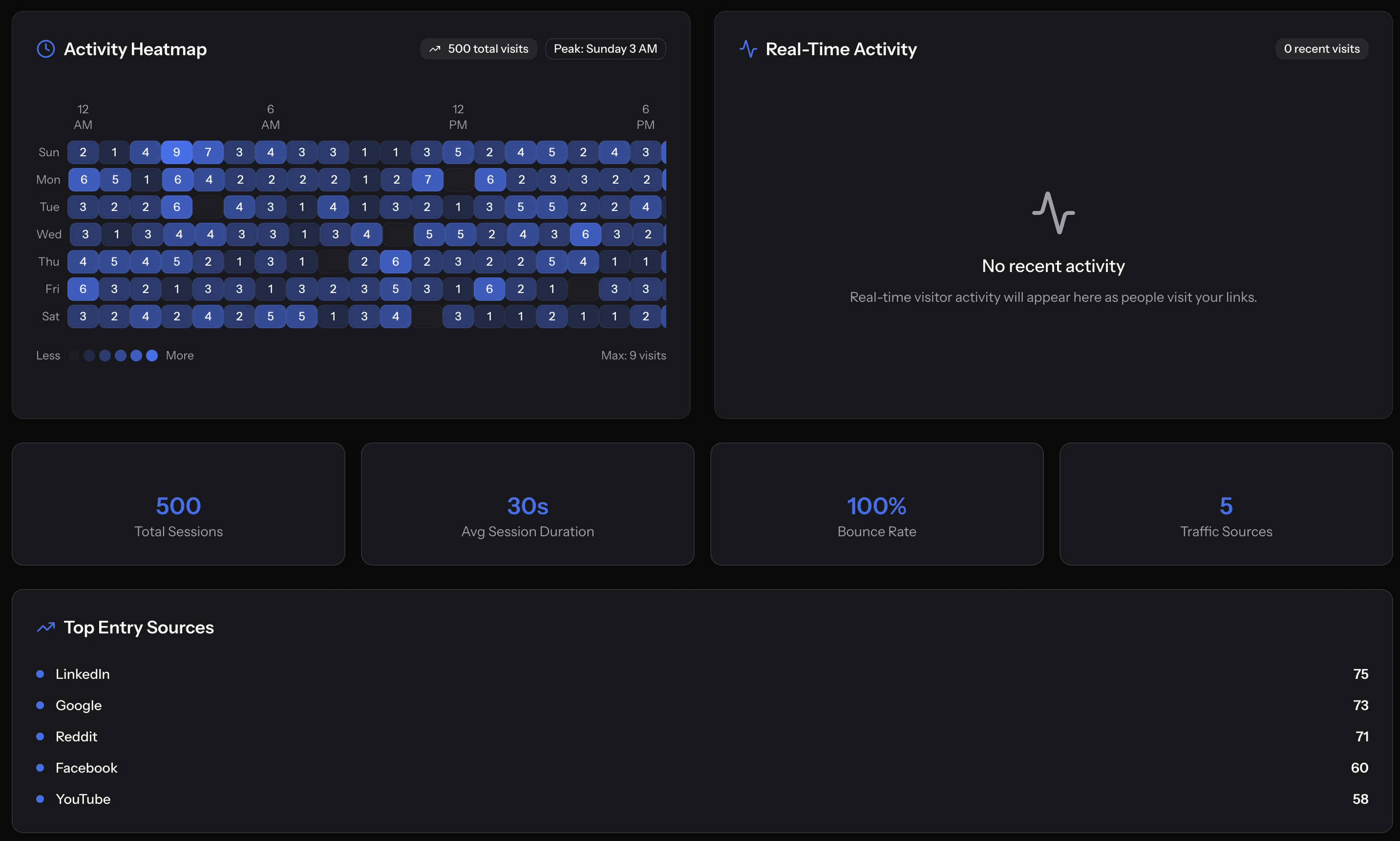
Every click is recorded and kept for 90 days: when it happened, roughly where from, which site sent it, and what device it was on. That is on every link, on every account.
- Clicks over time, with referrers
- Device, browser and OS breakdown
- City level geographic data
Take your data with you
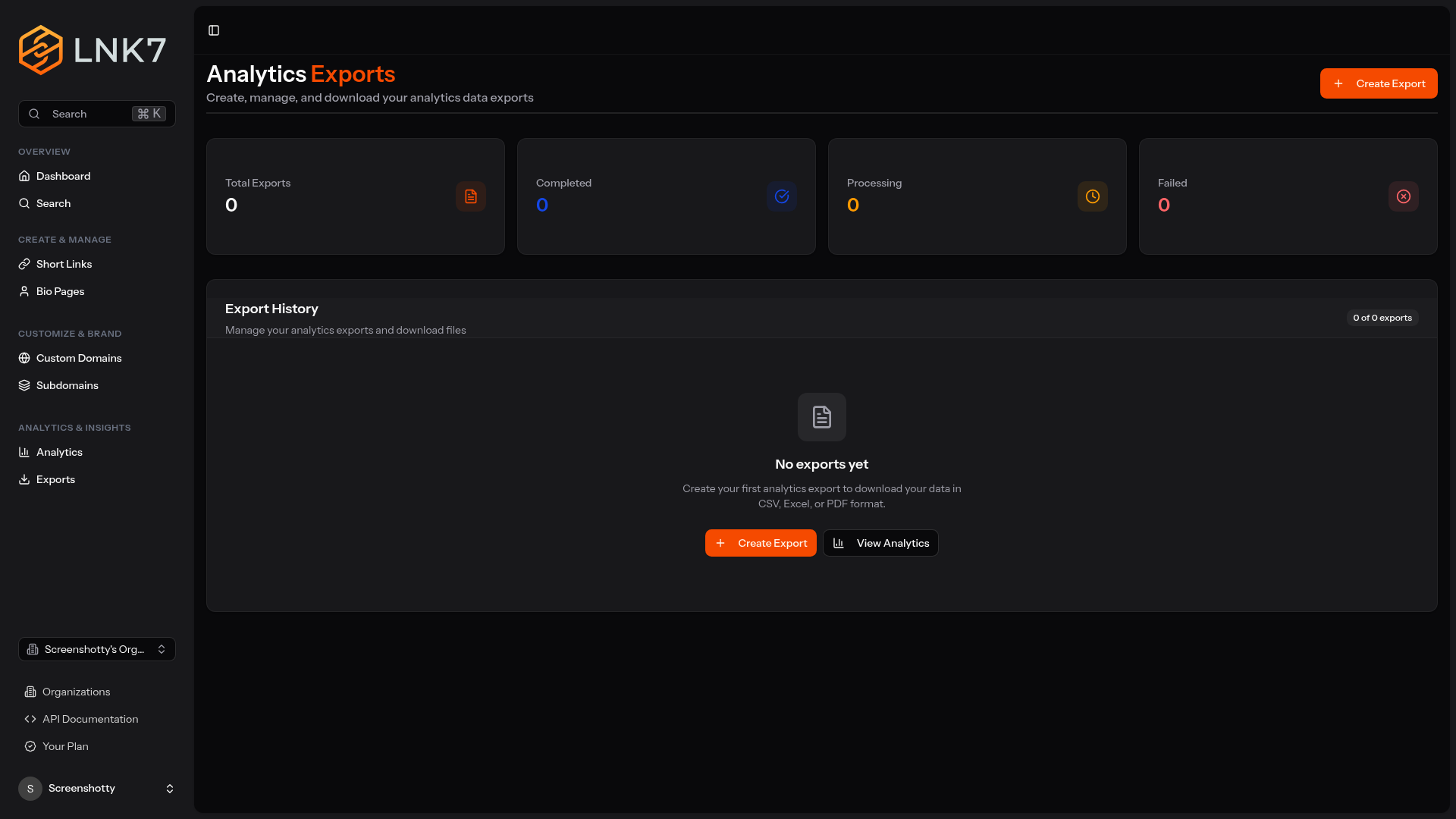
Export the raw click data to CSV whenever you want it, or pull the same numbers through the public API with a token you create yourself. It is your data.
- Full CSV export on every link
- Account-wide export from the analytics dashboard
- A public REST API, free, with your own tokens
Ready to shorten your first link?
Register in under two minutes. No credit card, no trial, no paid tier to upgrade to.
Free • No credit card • 90-day analytics on every link